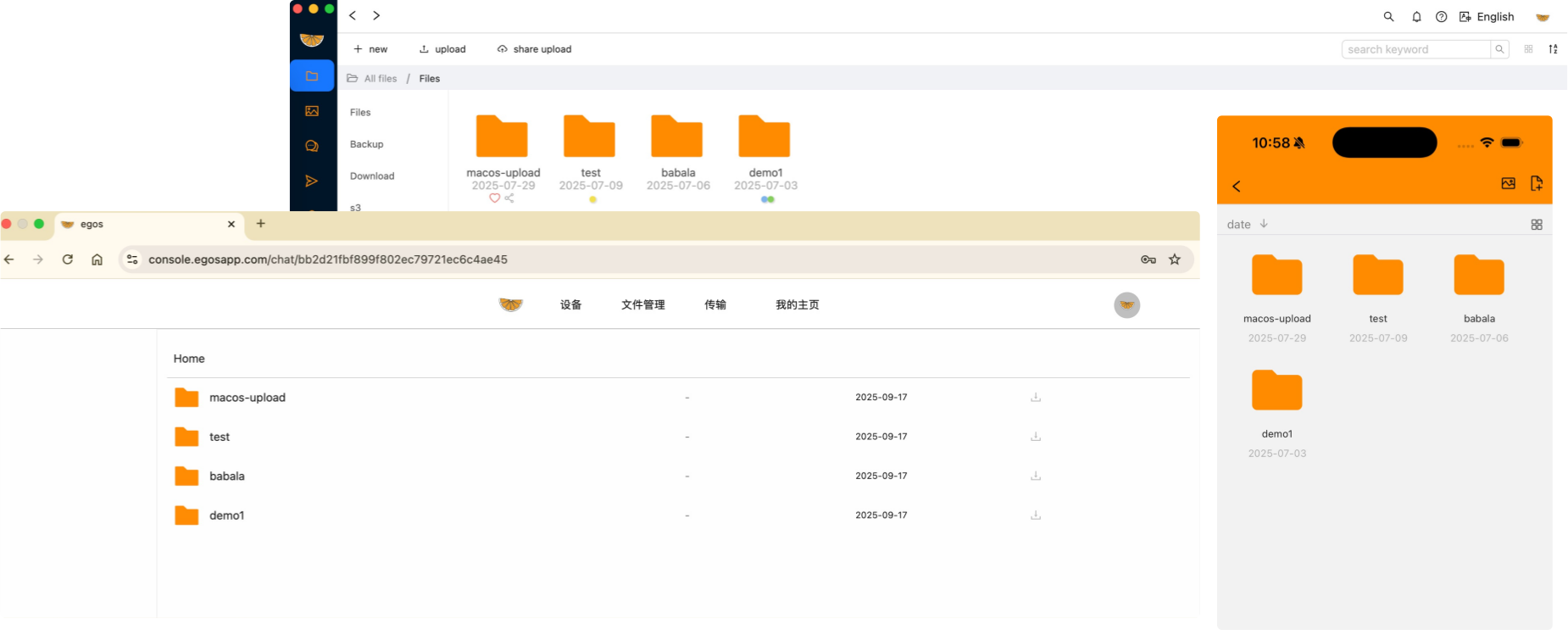
egos-logoegos

Egos - Your Personal File Network

Seamless File Sharing Across All Your Devices

Falls functionally between a personal NAS and airdrop

combining instant device-to-device transfers with remote file access capabilities.
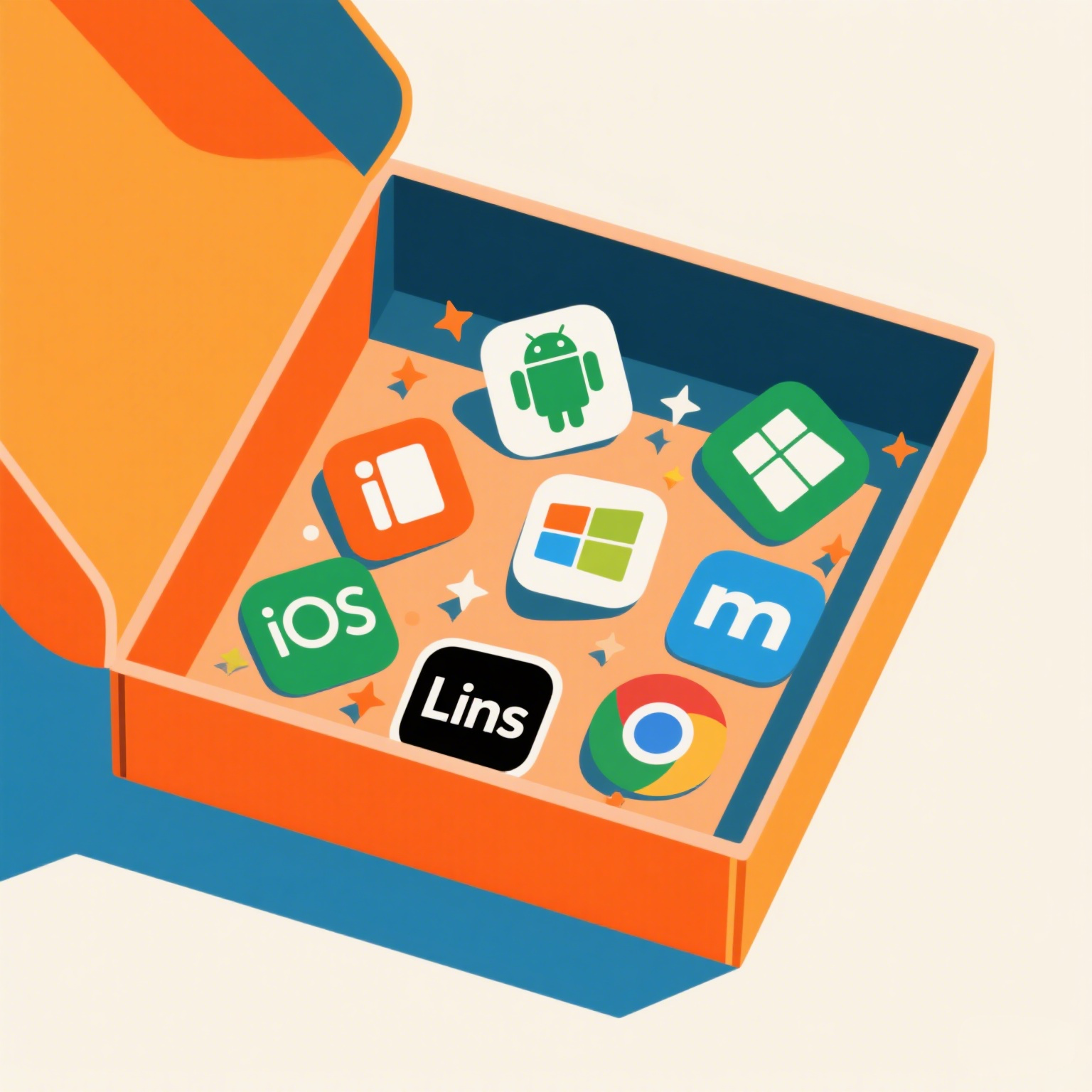
cross-app

Seamless Cross-Platform Sharing

Transfer files effortlessly between any device, regardless of platform.

No accounts or logins required—start sharing instantly.

Browse and access files across all your connected devices.

Intelligent connectivity using WebRTC and HTTP protocols that automatically adapts to your network environment for optimal performance.
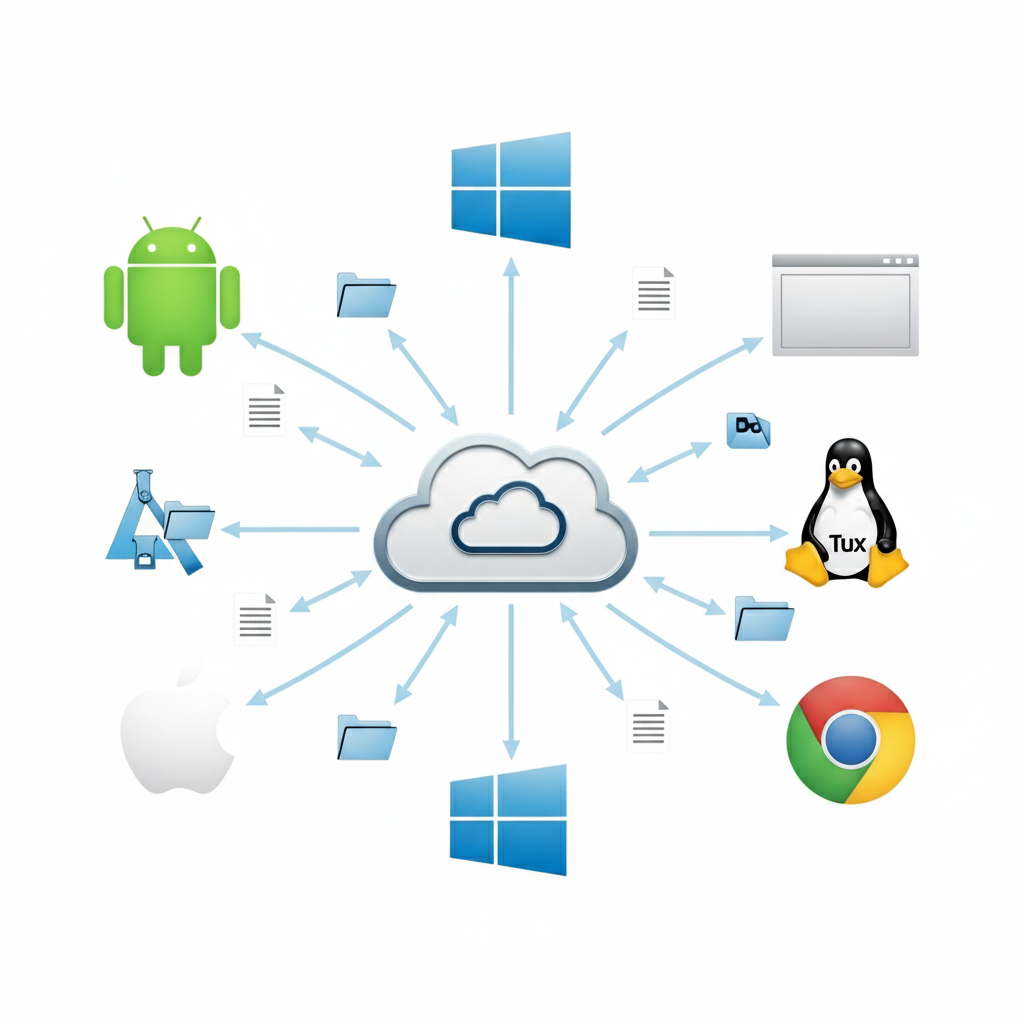
connect

Powerful & Secure Technology

Automatic device discovery with intelligent WebRTC-based routing for instant connections.

Zero-configuration setup—Egos works out of the box without complex network settings.

Seamless connectivity even within private networks, optimized for fast file transfers.

No bandwidth throttling or file size restrictions—transfer as much as your connection allows.

Build your private file network with any internet-connected device.

Smart chunked uploads with pause/resume support for reliable large file transfers, even on unstable connections.

Custom share pages for easy file distribution.

Frequently Asked Questions

What is Egos?

Egos is a powerful cross-platform file transfer and sharing application that lets you build your own private file network. It combines the convenience of AirDrop with the power of a personal NAS, enabling seamless file sharing between all your devices.

How does Egos work?

Egos uses modern WebRTC and HTTP protocols to automatically discover and connect your devices. It creates direct peer-to-peer connections for fast file transfers with no bandwidth restrictions or file size limits. The intelligent system adapts to your network environment for optimal performance.

Can I send files to offline devices?

No, Egos requires devices to be online to establish connections. Unlike cloud storage services, Egos' direct peer-to-peer approach means your files are never stored on external servers—everything transfers directly between your devices for maximum privacy and speed.

Is Egos free to use?

Yes! Egos offers a generous free plan that supports up to 3 devices with no hidden costs or registration requirements. You can download, upload, and share files freely. Premium plans are available for users who need additional features or more devices.

What platforms does Egos support?

Egos works everywhere—Windows, Linux, macOS, Android, iOS, and web browsers. Whether you're on desktop, mobile, or using a web browser, your files are always accessible. The consistent experience across platforms makes file sharing seamless.

Can I transfer large files with Egos?

Absolutely! Egos is designed for large files. Our smart chunked upload system breaks big files into manageable pieces, allowing you to pause and resume transfers anytime. This makes it perfect for video files, projects, backups, or any large data transfers.

How fast are transfers with Egos?

Egos is built for speed! Desktop app transfers using the built-in HTTP server are extremely fast—often reaching your network's maximum capacity. While browser transfers may be slightly slower due to browser limitations, our optimized chunked upload system ensures efficient performance in all scenarios.

How secure is file transfer with Egos?

Security is our priority. Egos uses WebRTC's built-in encryption for all peer-to-peer connections. We've added AES signature verification for device authentication, ensuring only your trusted devices can connect. Since files transfer directly between your devices without passing through external servers, your data remains completely private.

Get Started with Egos Today

Free download for all platforms—no registration required

Desktop
Mobile
Browser